How to Clean Your Keyboard, Mouse, and Screen by Joe Szabo, Scottsdale Real Estate Team
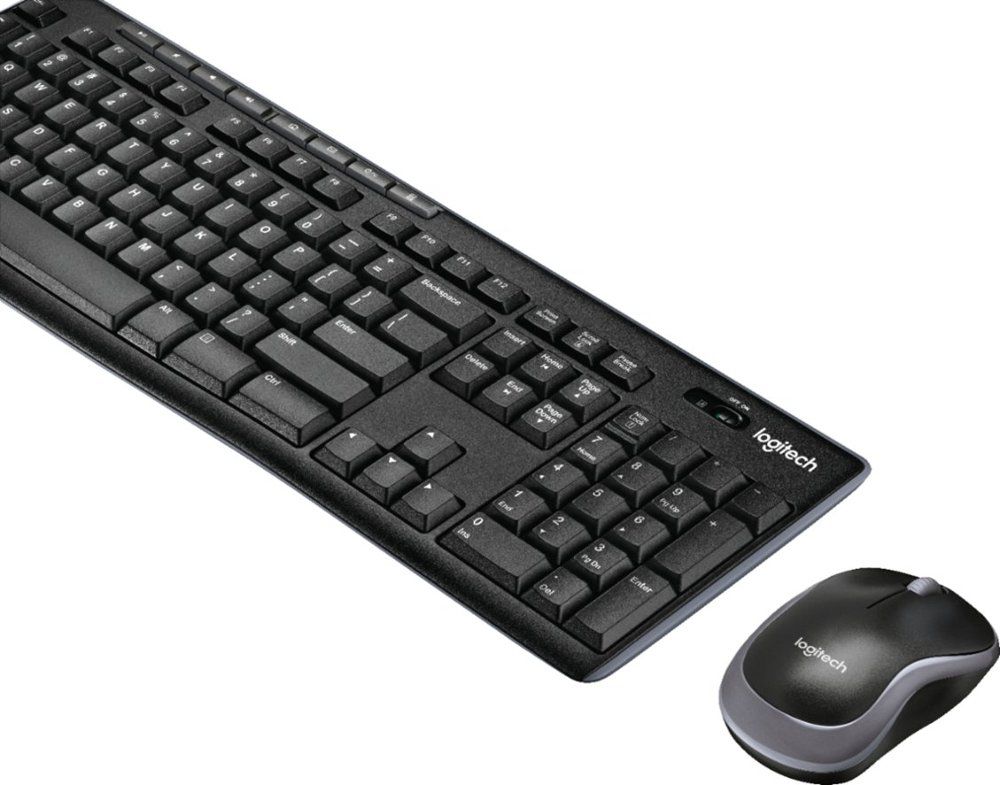
- Clear any loose crumbs and dust from the keyboard by gently shaking it upside-down over a trash can.
- Spray compressed air between the keys to clear the remaining debris.
- Clean the keyboard with a disinfectant wipe, paying extra attention to often-used keys such as the space bar and Enter key.
- You may want to squeeze out extra liquid from the wipe before cleaning to avoid dripping moisture into the openings, which can damage the keyboard.
- Unplug the mouse and remove batteries if needed, then clean all sides and the scroll with a disinfectant wipe.
- For laptops, swipe the disinfectant wipe across the touchpad, taking care not to get excess moisture into the openings.
- Wipe the display with a microfiber cloth dampened with a diluted solution of mild dish soap and warm water.
- Rinse the cloth with clean water, squeeze out excess moisture, then wipe again to remove any soapy residue.
- Unplug the device and wipe down all surfaces, including the ear and mouthpieces, cords, and buttons.
- To help keep your phone germ-free, make sure your hands are clean before using it.
- Aim to clean your office phone daily and immediately after someone else has used your phone.
Here’s How to Clean Your Desk Right by Joe Szabo, Scottsdale Real Estate Team
- If you use a coffee cup or reusable water bottle, wash it daily with liquid dish soap and hot water or take it home or to the kitchen each night after work to run it through the dishwasher.
- Use disinfectant wipes to clean items such as your stapler, tape dispenser, scissors, and most-used pens, making sure to wipe down all sides.
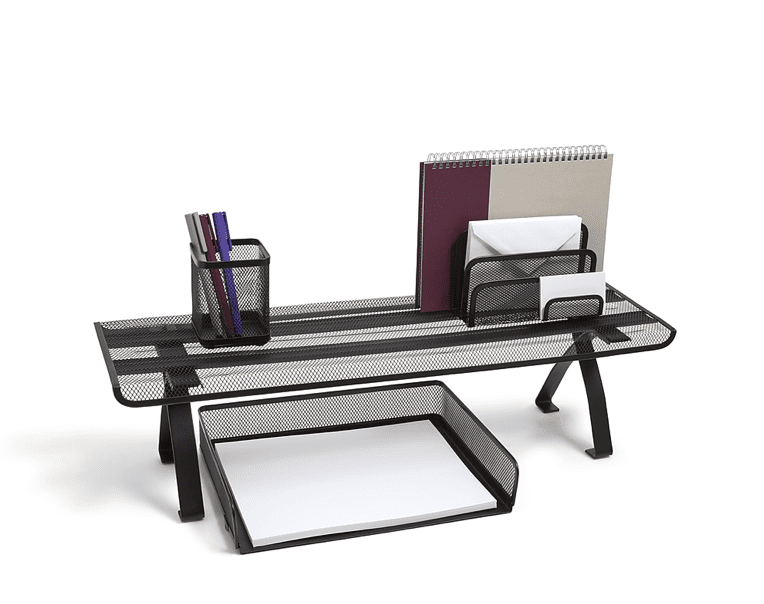
- Consider washing other desktop accessories like pen holders with soap and water.
- Remove all items, including your computer (if possible), phone, pen holder, stapler, and other accessories, from the desktop (or move them to the side while you clean).
- Use disinfectant wipes to thoroughly wipe down the entire surface.
- Wait for the cleaning solution to dry before moving the desk items back into place.
You Need to Clean Your Thermometer After Each Use by Joe Szabo, Scottsdale Real Estate Team
- Soak a cotton ball or pad in rubbing alcohol ($4, Walmart) and use it to thoroughly coat the entire device. Use a cotton swab dipped in alcohol to clean inside any small crevices.
- Allow the alcohol to air-dry on the thermometer to effectively kill germs.
- If desired, rinse the device under cool water to remove traces of alcohol, taking care not to wet any electronic elements, such as the display.
- Let the thermometer air-dry completely before using or storing.
- Clean the thermometer’s sensor with a cotton ball or pad soaked in at least 60% rubbing alcohol. You can also use a bleach wipe or alcohol pad ($4, Walmart).
- Let the thermometer air-dry completely before using or storing.
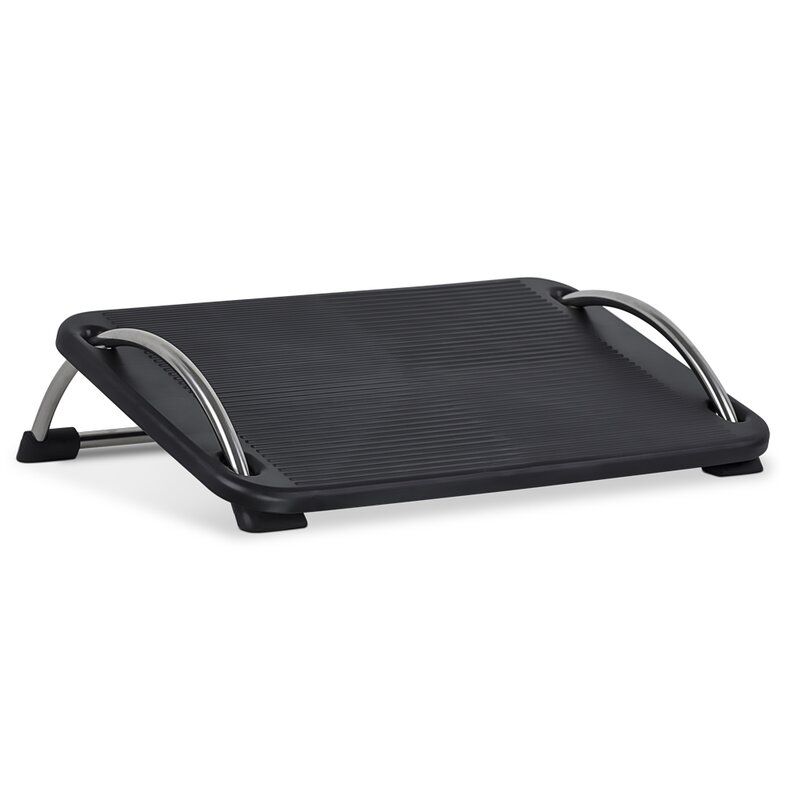
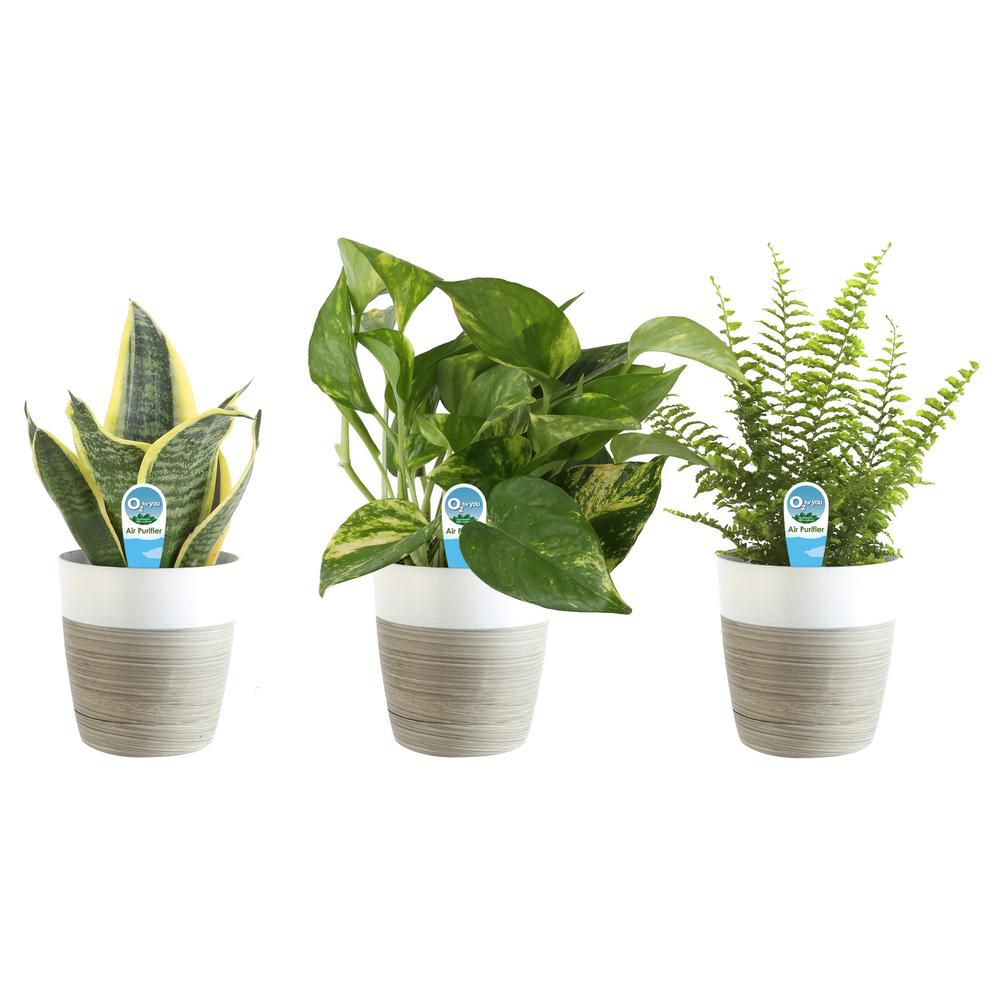
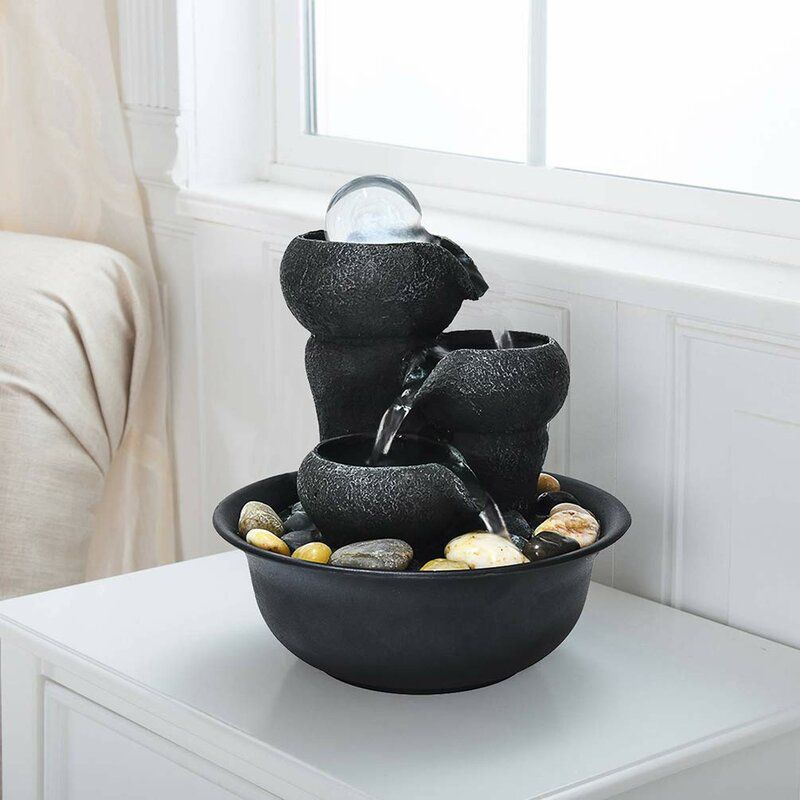
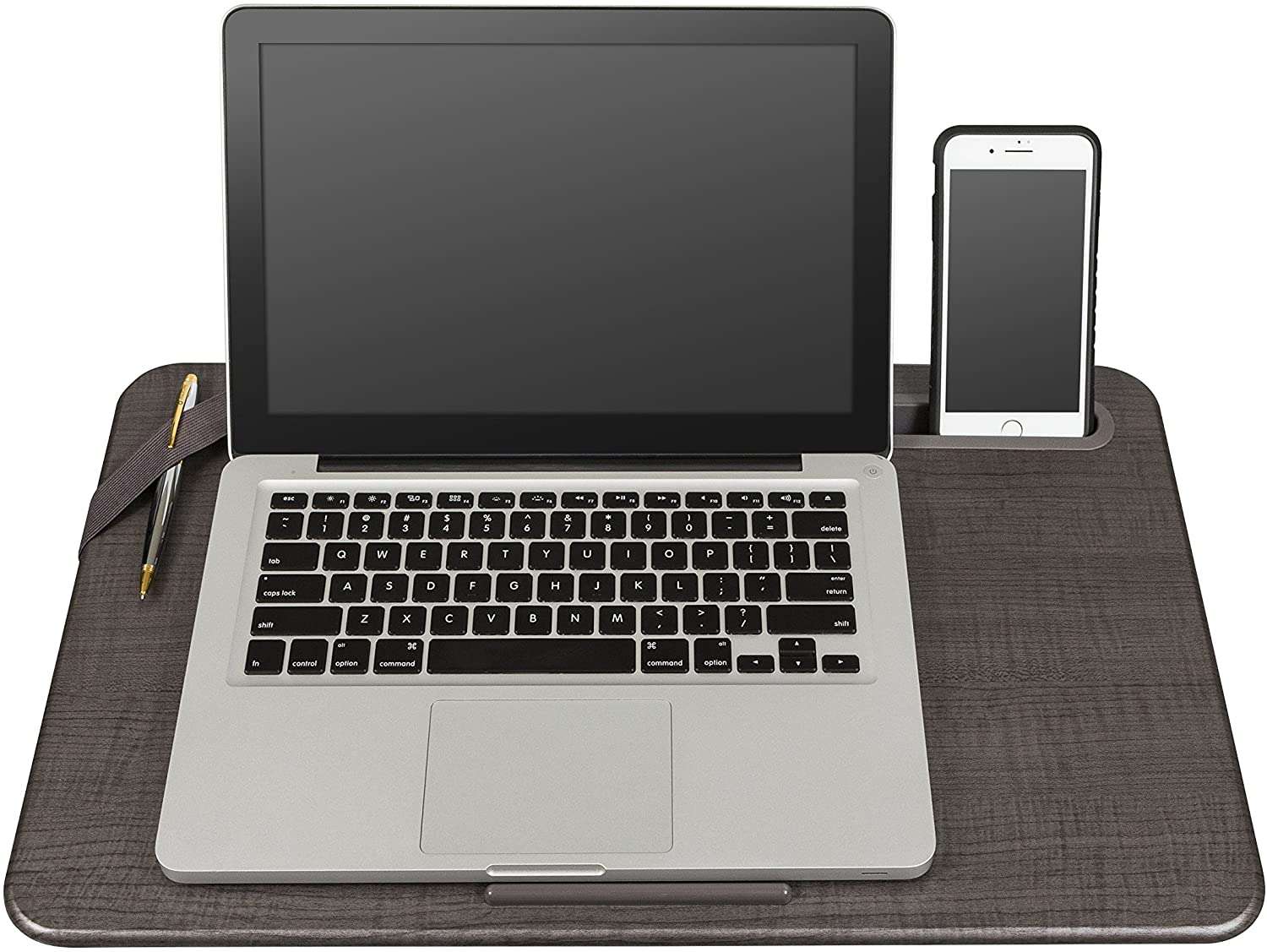
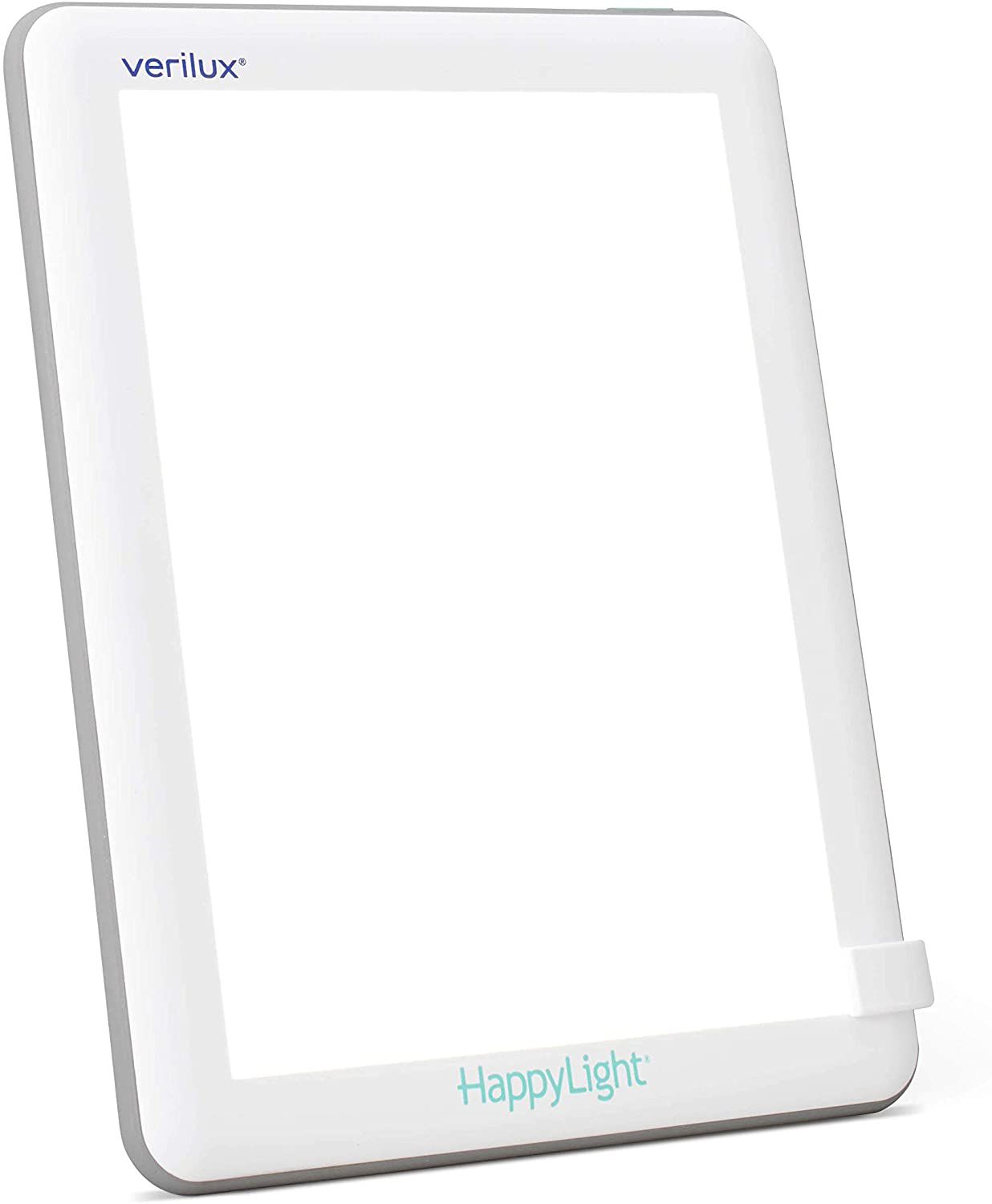
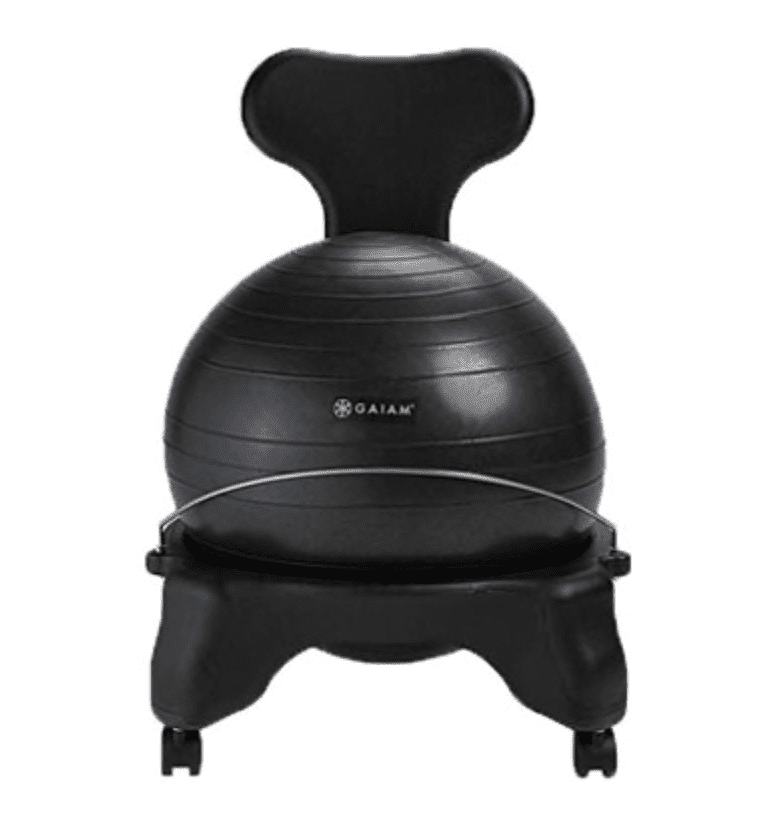
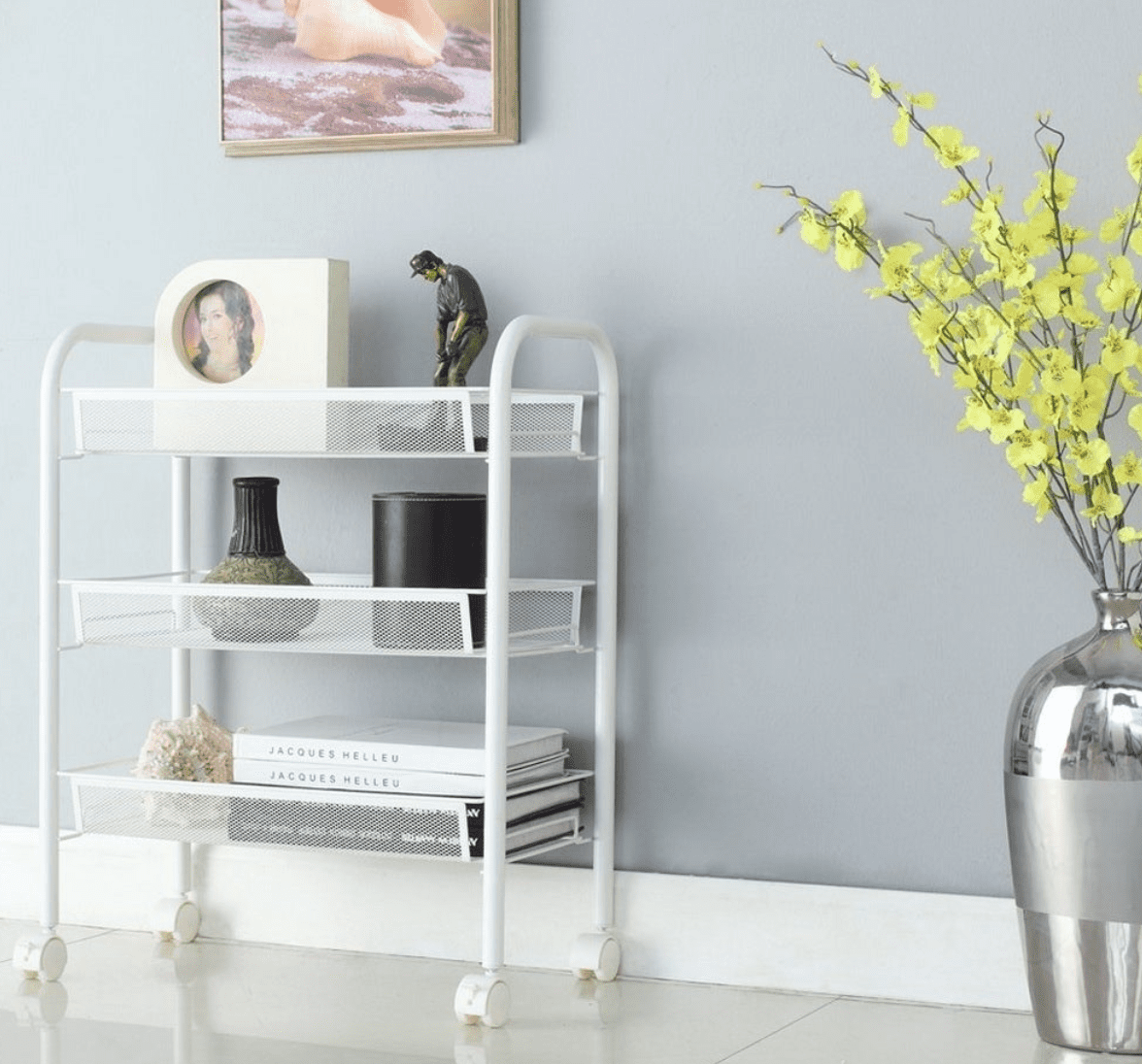
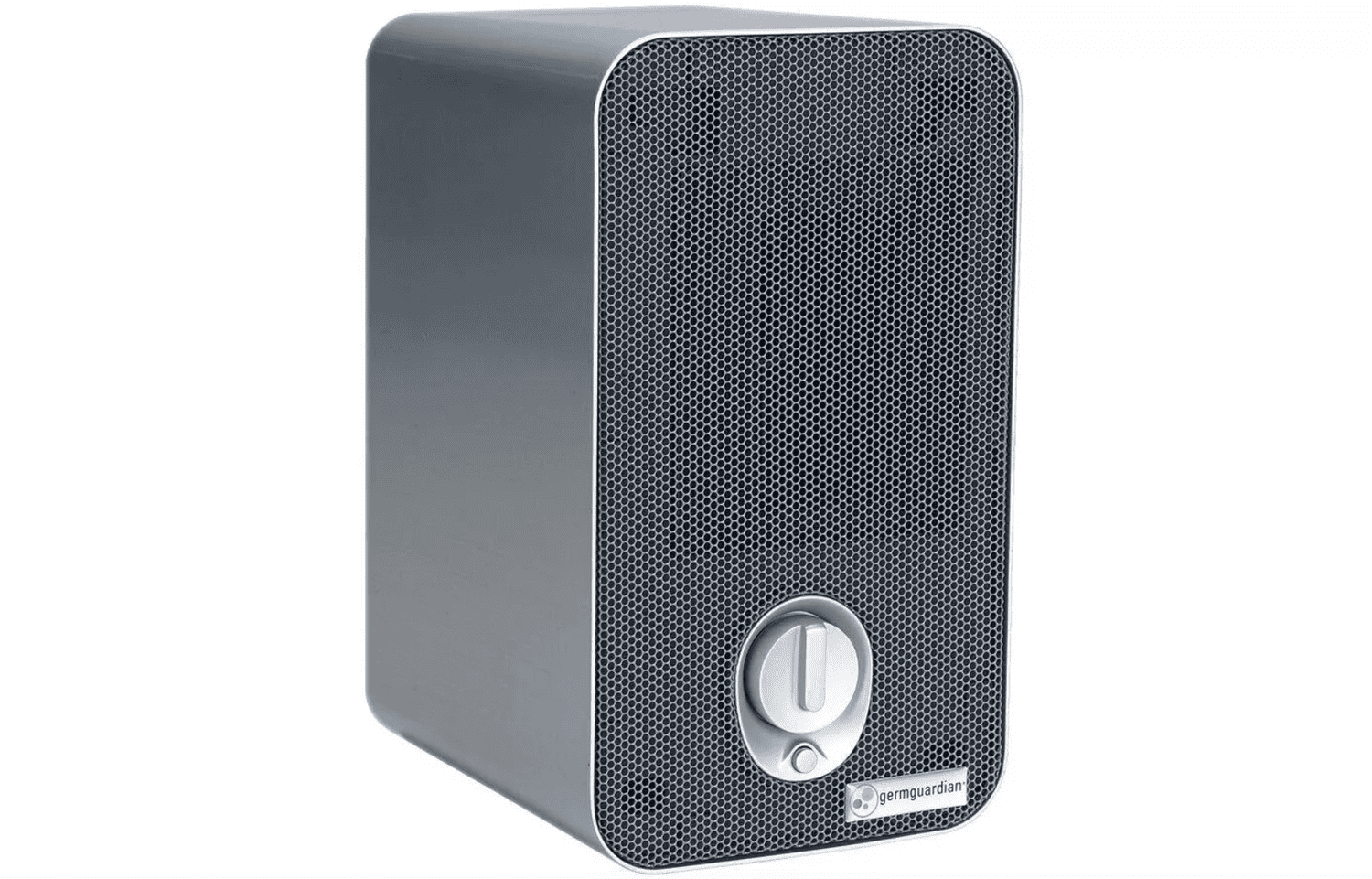
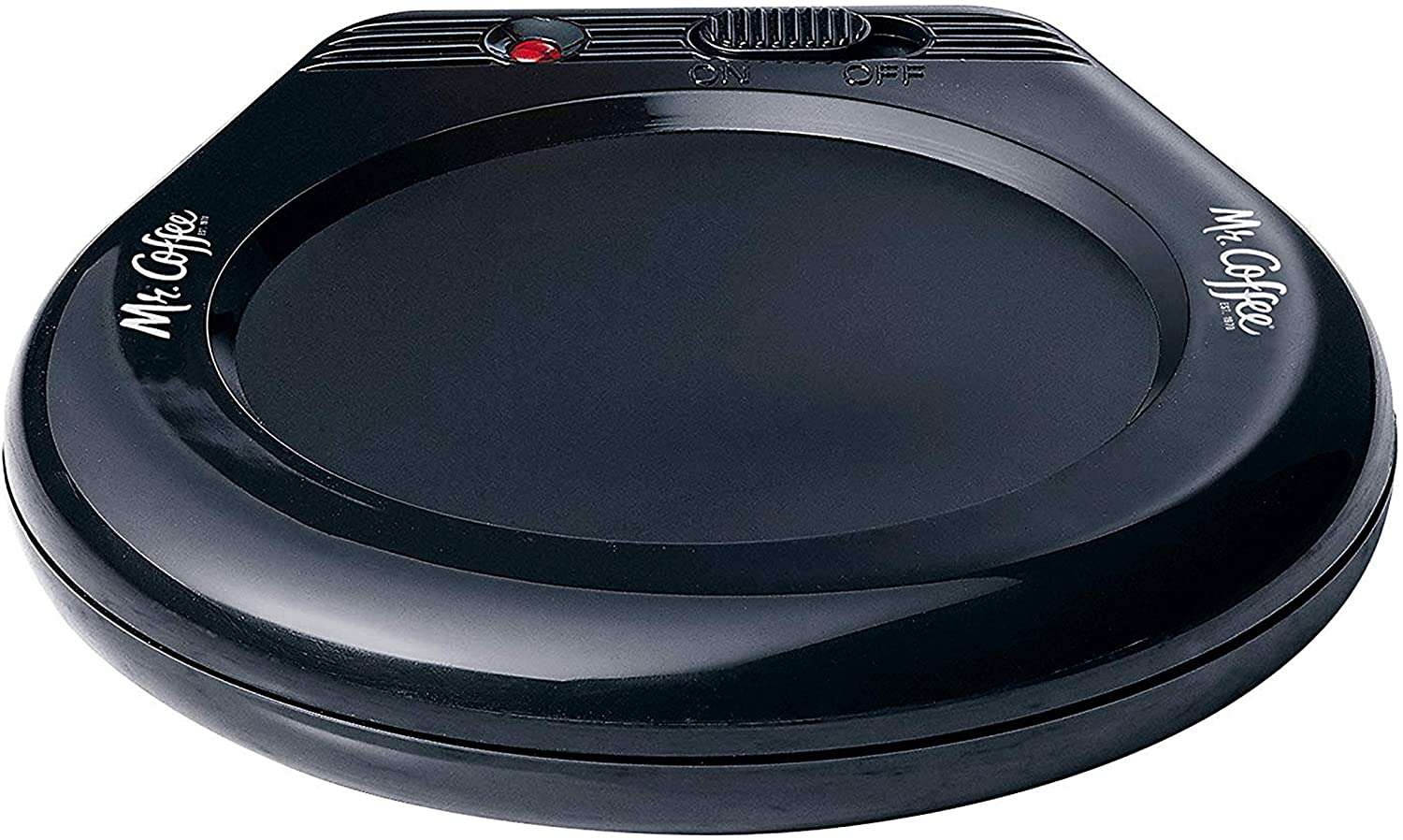
Working from Home? More Office Items That Can Help You Stay Focused and Organized by Joe Szabo, Scottsdale Real Estate Team
Working from Home? These Office Items Can Help You Stay Focused and Organized by Joe Szabo, Scottsdale Real Estate Team
3 Easy Ways You Can Cut Down on Food Waste by Joe Szabo, Scottsdale Real Estate Team
1. Stick to a Food Plan
2. Utilize Leftovers
3. Donate It!
Great Smart House Additions for your Home by Joe Szabo, Scottsdale Real Estate Team
Smart Speakers and Displays
Amazon Echo Family
The Amazon Echo is a Bluetooth speaker powered by Alexa, Amazon’s handy voice assistant. Alexa works with a number of smart home devices directly, as well as with If This Then That (IFTTT) to control plenty of others via pairings you can create yourself. It’ll take some work, but you can use Alexa to control most of the gadgets in your house with the sound of your voice. If you already have a favorite speaker, the inexpensive Echo Dot With Clock can connect to it and add Alexa functionality. And if you want a touch screen to see search results and make video calls, check out the Echo Show 8 or the Echo Show.
Google Nest Hub Family
If you prefer Google Assistant to Amazon Alexa, you’ll want to invest in Google’s Nest Hub line of speakers and smart displays. The big Google Home Max offers truly room-filling sound, while the Google Nest Hub Max is an attractive, bright smart display that puts Google’s services front and center. The smaller Nest Mini and Nest Hub are also solid, more affordable alternatives for putting Google Assistant in every room of the house.
Sonos One
If you can’t decided between Amazon and Alexa and Google Assistant, you don’t have to. The Sonos One supports both popular voice assistants, and sound-wise, it’s head and shoulders above other smart speakers in its price range. It also connects with other Sonos speakers like the Arc, Beam, and Move to deliver superior sound quality and voice assistant access throughout your home (and backyard).
For more, check out The Best Smart Speakers and the The Best Smart Displays.
Smart Plugs
ConnectSense Smart Outlet 2
If you’re looking to add some smarts to small home appliances such as coffee makers, lamps, and TVs, the ConnectSense Smart Outlet 2 is an excellent choice. This versatile dual-outlet smart plug can be controlled with an Android or iOS mobile app and works with Alexa, Google Assistant, and Siri voice commands. It lacks IFTTT support, but you can make it work with other smart home devices using HomeKit Scenes and Automations, and it monitors energy usage for both outlets.
D-Link mydlink Outdoor Wi-Fi Smart Plug (DSP-W320)
With the D-Link mydlink Outdoor Wi-Fi Smart Plug DSP-W320, it’s easy to control outdoor devices such as decorative lighting and pool pumps with your phone and a mobile app. Equipped with two outlets and a USB charging port, this weatherproof plug installs in minutes, supports Alexa and Google Assistant voice commands, and will work with other smart home devices using IFTTT applets.
Home Security Cameras
Arlo Ultra
The Arlo Ultra raises the bar for all outdoor cameras. It’s the first model we’ve seen that streams and records video in true 4K, or Ultra High Definition (UHD), and it’s loaded with cool tech including automatic zooming, motion tracking, color night vision, an integrated spotlight and siren, one-click 911 connectivity, a 180-degree field of view, and more. It’s also completely wireless and a snap to install. You’ll have to sign up to one of Arlo’s subscription plans to take advantage of all that the camera has to offer, but it still merits top honors for outdoor security cameras.
Wyze Cam Pan
The Wyze Cam Pan offers all of the features of its predecessor, the Wyze Cam V2, such as motion and sound detection, time-lapse recording, and free cloud storage, and it adds mechanical pan and tilt and support for IFTTT applets. You’ll be hard-pressed to find another pan and tilt camera at this price, let alone one packed with so many features.
RemoBell S
When we reviewed the original RemoBell back in 2017, we liked that it was completely wireless, easy to install, and that it delivered sharp 720p video, but were disappointed with its bulky aesthetics, lack of on-demand video, and laggy performance. The new RemoBell S is a much slimmer device that gives you on-demand HD video, free cloud recording, support for Alexa and Google voice commands, and interoperability with other smart home devices using IFTTT applets. Although the RemoBell S uses your existing doorbell wiring, it is still relatively easy to install and delivered sharp video and responsive motion detection in our tests, and its price is hard to beat.
Add Some Curb Appeal by Joe Szabo, Scottsdale Real Estate Team
Update the Hardware
House numbers, the entry door lockset, a wall-mounted mailbox, and an overhead light fixture are all elements that can add style and interest to your home’s exterior curb appeal. If they’re out of date or dingy, your home may not be conveying the aesthetic you think it is. These elements add the most appeal when they function collectively, rather than as mix-and-match pieces. Oiled-bronze finishes suit traditional homes, while brushed nickel suits more contemporary ones.Dress Up Your Door
How to Correctly Place Rugs by Joe Szabo, Scottsdale Real Estate Team
Whether you’re moving into a new space or going through a renovation, you’re going to need to figure out where all of your furniture is going to go—and one of the most important steps in arranging your furniture is figuring out the correct placement of any area rugs you plan on putting down. Let’s be honest: finding the perfect rug for your space can be quite the challenge, both in style (it’s the base for your whole room, so you need to find one you really love!) and in size, no matter how many times you measure.
The good news? Knowing where it will live in your space and how you plan to arrange your furniture on top of it will help you get the size right every time.
Placing a rug in the dining room is essentially all about the experience of sitting at the dining table. You’ll want to center the rug under your dining table, and then make sure it’s big enough to accommodate all of the chairs. “The key is to make sure the chairs still sit comfortably on the rug when pulled out and away from the table for someone to sit in them,” Loloi says. “You don’t want chairs half on, half off a rug when it’s pulled out.”
If you’re not sure what size to buy, pull out the chairs around your table, then measure the space so you know your rug will fit perfectly underneath.
In the living room, placing a rug gets a little trickier, but it still all depends on the size of your space and your plans for laying out your furniture. According to Loloi, you have three main options for living rooms of various sizes:
- For smaller living rooms, you have two options: You can go with a smaller rug (like a 5′ by 8′) that can float in the room in between the furniture, but under the coffee table says Loloi (“A rug that sits six to 12 inches in front of the sofa will anchor your space nicely, and still allows for walking room around the furniture.”) or if you’re trying to make your space feel bigger, you’ll actually want a bigger rug that fits all furniture (like in the larger room section below) to unify the space.
- For mid-sized rooms, go with a larger rug (like an 8′ by 10′) and place your large, anchor furniture (i.e. the sofa) around so that only the front legs are on top of it. Loloi notes that you’ll want the rug to extend beyond the sides of the sofa, too.
- For larger rooms, Loloi suggests getting a bigger rug (like a 9′ by 13′) and using it to frame your space. Then, place all of the furniture completely on the rug. “Just be sure there is still room around the outside of the rug for walking, so you aren’t partially on and off the rug,” Loloi says. Alternately, if you’re trying to divide the room up into different spaces (like various seating arrangements, or an open concept with dining and seating areas), use different rugs to define each of these spaces.
Even if the suggested rug sizes above don’t quite work with the dimensions of your home, you can still follow the same principles of placement and buy a rug based on the dimensions of your living room and your furniture.
When it comes to the bedroom, sizing really depends on the size of your bed. Loloi explains that the ideal size for a queen bed is an 8′ by 10′, while a king would look better with a 9′ by 12′ rug (and that same size works for two twin beds in a kids’ room). For a full, a 5′ x 8′ rug should suffice.
In terms of placing the rug, you have a lot of options, but the most preferred way is to place the rug partially under the bed. In this case, you’ll want to lay the rug perpendicular to the bed and pull it under, stopping a few inches before your nightstands so it’s around halfway under the bed, with the bed centered on top. “This maximizes the amount of useable rug space, and gives you a soft surface to step onto when getting out of bed,” Loloi says. In a smaller room, you can also try just placing a rug in the middle of the room, or at the foot of the bed to add interest and help pull decor together, Loloi adds.
If you don’t want to place a full area rug under the bed or in the bedroom at all, Annie Selke, founder and CEO of her eponymous rug and decor brand, has an easy hack: Just place runners on either side of the bed. You’ll still have that soft, comfy experience when you step out onto the floor in the morning, no matter what size the room (or bed) is.
One thing to keep in mind no matter what room you’re putting a rug in? “Remember that rugs can create an optical illusion, so make this work in your favor,” Loloi says. “Too small of a rug can make any space look disconnected. When in doubt, go for the bigger rug—it will unify the furniture and make the room look bigger than it is.”
Please note that this Scottsdale Real Estate Blog is for informational purposes and not intended to take the place of a licensed Scottsdale Real Estate Agent. The Szabo Group offers first-class real estate services to clients in the Scottsdale Greater Phoenix Metropolitan Area in the buying and selling of Luxury homes in Arizona. Award-winning Realtors and Re/MAX top producers and best real estate agent for Luxury Homes in Scottsdale, The Szabo group delivers experience, knowledge, dedication and proven results. Contact Joe Szabo at 480.688.2020, info@ScottsdaleRealEstateTeam.com or visit www.scottsdalerealestateteam.com to find out more about Scottsdale Homes for Sale and Estates for Sale in Scottsdale and to search the Scottsdale MLS for Scottsdale Home Listings.